











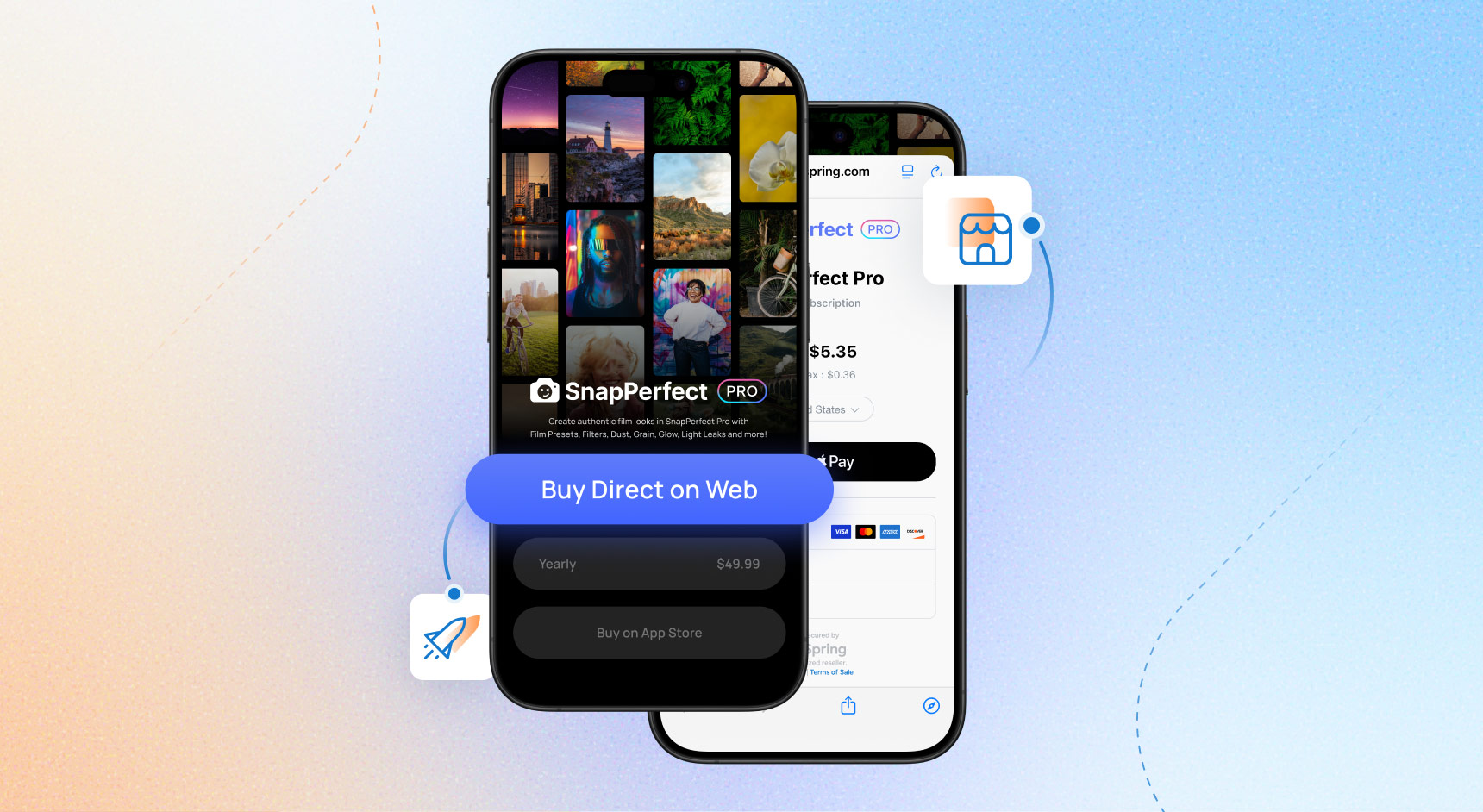
To learn more about how FastSpring combines its payments, monetization, and global compliance tools with Steer Safe™ to help mobile apps developers scale app2web and web2app payments, visit fastspring.com/apps. As of January 2026, Apple has updated their policies to make steering via safariviewcontroller against their terms of service.
We’re excited to announce that Steer Safe™ is available for Mobile Apps companies to enable app2web steering on iOS and Android where allowed. App2web steering is simply the act of sending users directly from in-app to a webpage where they can make a purchase.
Steer Safe™ lets you easily add purchase buttons or links directly in-app and securely pass user information, product information, and more to your FastSpring-powered checkout on the web. Then, it automatically returns the user to the app, all while delivering the fastest least-taps path possible.
Key Benefits of FastSpring’s Steer Safe™ Buttons and Links Approach
- Shortest path possible
- Link directly to a web hosted checkout, or to a store page for the least taps path possible.
- Drop-in secure links or buttons for purchase
- Add buy buttons or links that go to a FastSpring checkout, or your web store directly from in-app and securely pass encrypted user data, product data, and more.
- Increased conversion with automatic mobile-native payments
- Steer Safe automatically detects your users’ device and defaults to Apple Pay on iOS or Google Pay on Android.
- Synced backends and trusted user transaction authorization
- FastSpring webhooks notify your backend when a purchase is complete, so you can grant entitlements and update user records in real-time. These simple principles apply whether you’re using platforms like Adapty, RevenueCat, Firebase, or your own custom backend.
- Seamless app2web flows
- Fully customizable checkout experiences ensure that your app’s brand remains consistent from in-app to the web. Plus, when a purchase is complete, users return directly to your app via deep links–never losing their place in the flow.
- Flexible deployment options:
- Deploy your checkout in the way that best fits your users’ preferred experience. We support Chrome Browser and Chrome Custom Tabs on Android and Safari Browser and Safari Web Controller on IOS.
- Customizable checkout options:
- Customization options let you tailor checkout to your app’s branding. Choose between our traditional embedded checkout or the stacked layout to match your app’s design and paywall flows. Offer Google Pay, Apple Pay, and saved payment methods first for faster, easier purchases.
Why Steering With Steer Safe™ Matters
Steer Safe™ removes friction from the purchase process while giving you complete control of the user relationship—and user data. You deliver the experience, and FastSpring handles secure global payments, tax, and compliance.
No matter what backend you use, FastSpring makes app2web checkout simple, secure, and user-friendly.
How Steer Safe™ Works
For a step-by-step technical guide on how to enable an integration with FastSpring Steer Safe™ using React Native, or Unity if your app is a mobile game, check out our product documentation here. Or, schedule some time with our dedicated Solution Engineers who can help you understand how FastSpring can integrate with your app’s specific use cases.
Steer Safe™ is a backend agnostic approach and can be used to integrate with your backend of choice. In this post, we’ve built an app using React Native and have a middleware listener hosted on AWS to support entitlements, but you can use another development framework or backend system like Adapty, RevenueCat, Firebase or an in-house custom backend system.
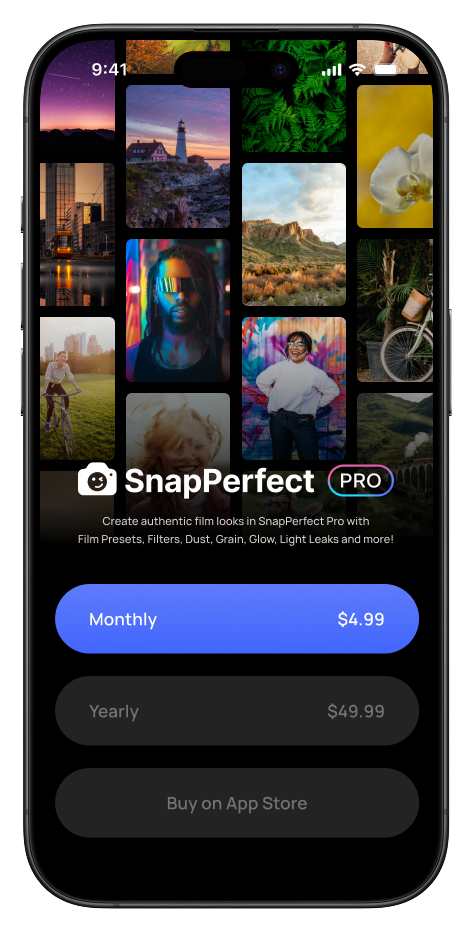
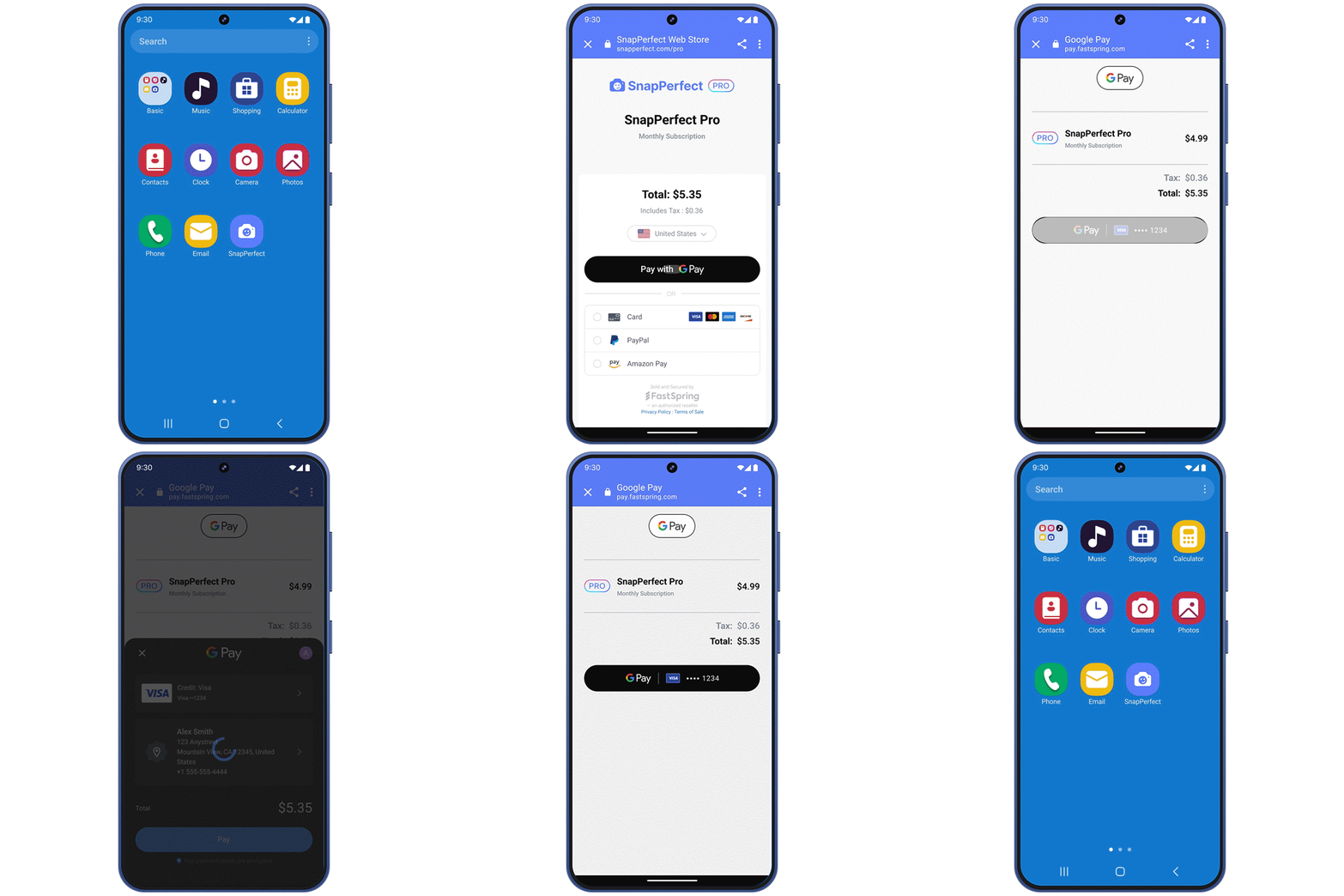
Once integrated, you’ll use a signed checkout URL from your backend that includes the product and user ID via secure payload when a user taps the button or link in-app on your app’s paywall. Your app then opens the URL where FastSpring takes in your user information and securely initializes your app’s checkout or web store.
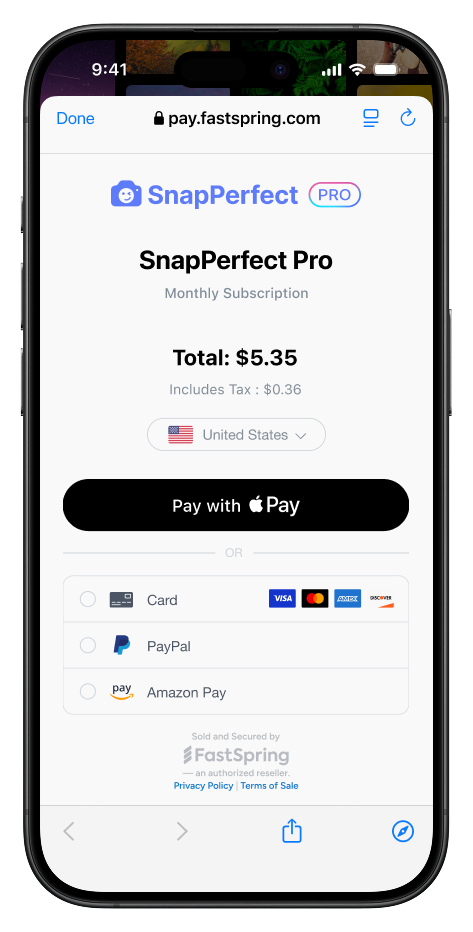
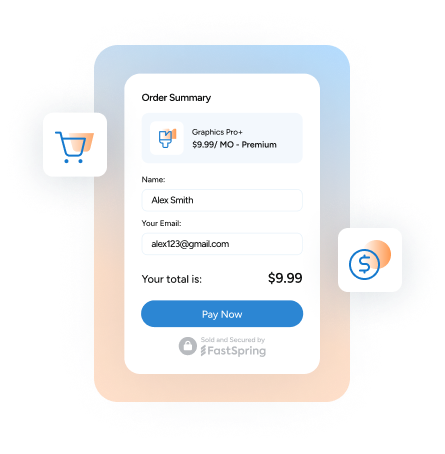
Depending on device, and style of checkout chosen, Steer Safe™ defaults will show Apple Pay, Google Pay, or a previously saved payment method at the top of the screen. Then, when the purchase is complete, FastSpring sends webhooks to your backend letting you know the subscription has been activated so you can grant entitlements, and the user is then seamlessly returned to your app via deep link.
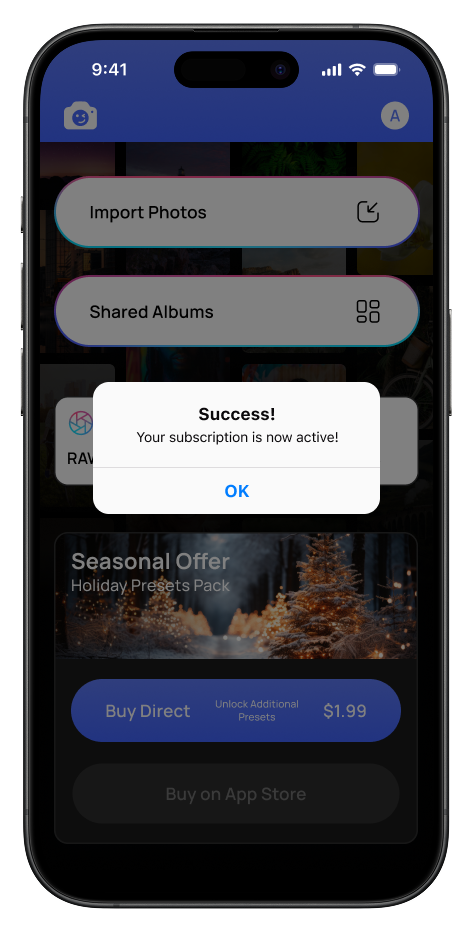
In our example, the initial app landing page serves as the paywall, encouraging users to purchase a subscription. FastSpring webhooks then confirm the subscription status after checkout to unlock premium features. However, this implementation is flexible and can be adapted to suit your app’s unique strategy.
Why Use Steer Safe™ by FastSpring?
- Save money on marketplace fees
- Get better renewal rates than app store subscriptions
- Gain access to user data that’s inaccessible with marketplace only listings
- Drive user acquisition and retention with bespoke web stores or direct checkout
Steer Safe™ by FastSpring gives you a simple, secure way to steer users from in-app to a web checkout and back again. It keeps sensitive data protected, defaults your users to their most trusted payment methods, and then returns them back to your app seamlessly in seconds.
The result is a faster path to steering users from in-app, less user dropoff during checkout, and more revenue for your business. Want to learn more? Visit fastspring.com/apps or schedule some time with our Solution Engineers.